Garage Door Remote Not Working? A Step-by-Step Troubleshooting Guide
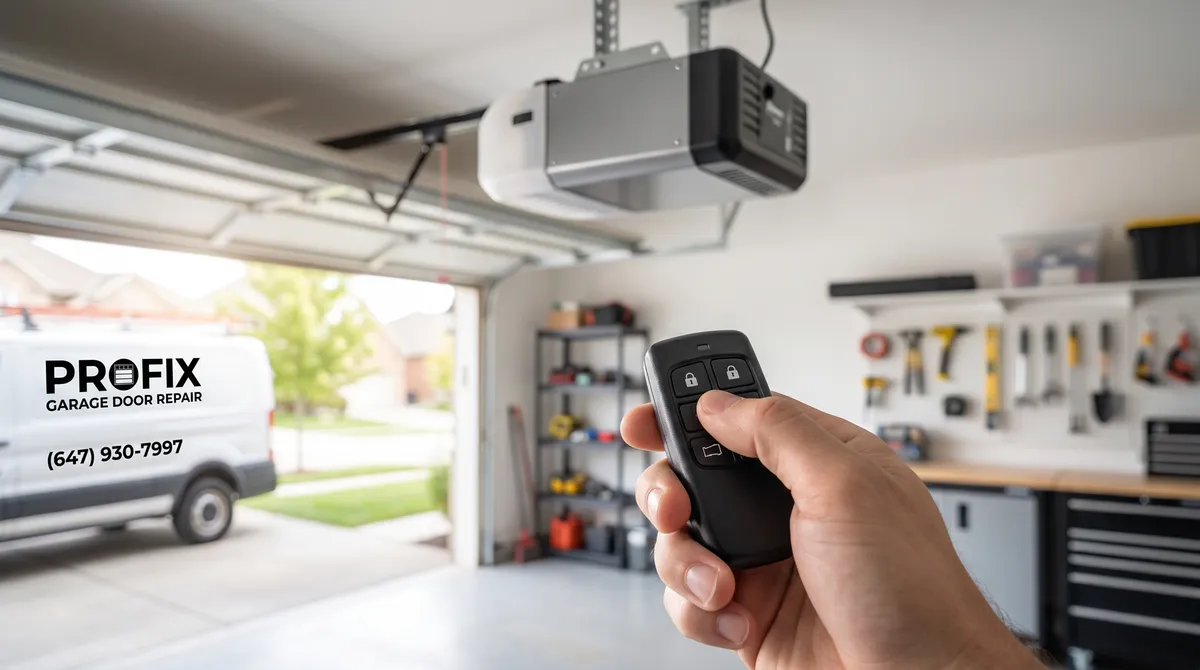
Most “dead remote” problems come down to a flat battery, a remote that has lost its programming, or radio interference, not a broken opener. Before you buy a replacement or call anyone, a handful of quick checks solve the large majority of cases.
The key is to work through them in order, from the simplest and most likely to the least. This guide does exactly that, so a homeowner in Maple can isolate the cause in a few minutes and know when the problem really is the opener rather than the remote.
Start Here: Battery and Range
The single most common cause of a remote that has stopped working is a dead or dying battery, so always begin here.
Replace the Battery First
Pop open the remote, note the battery type printed inside, and swap in a fresh one. These are usually inexpensive coin-cell or small alkaline batteries available at any hardware store.
Even if the old battery is not completely dead, a weak one can cause intermittent operation that is easy to misread as a bigger fault. Replacing it costs little and rules out the most likely culprit immediately.
Test Your Range
A shrinking range is the classic warning sign of a fading battery or a weak signal. If you now have to be almost on top of the door for it to respond, the signal is struggling.
Try the remote from your usual spot, then from right beside the opener. If it only works up close, that points to the battery, interference, or the antenna rather than a total failure.
How to Reprogram a Garage Door Remote
If a fresh battery does not help, the remote may have lost its programming, which can happen after a power surge or a battery change. Reprogramming syncs the remote back to the opener.
The general steps are:
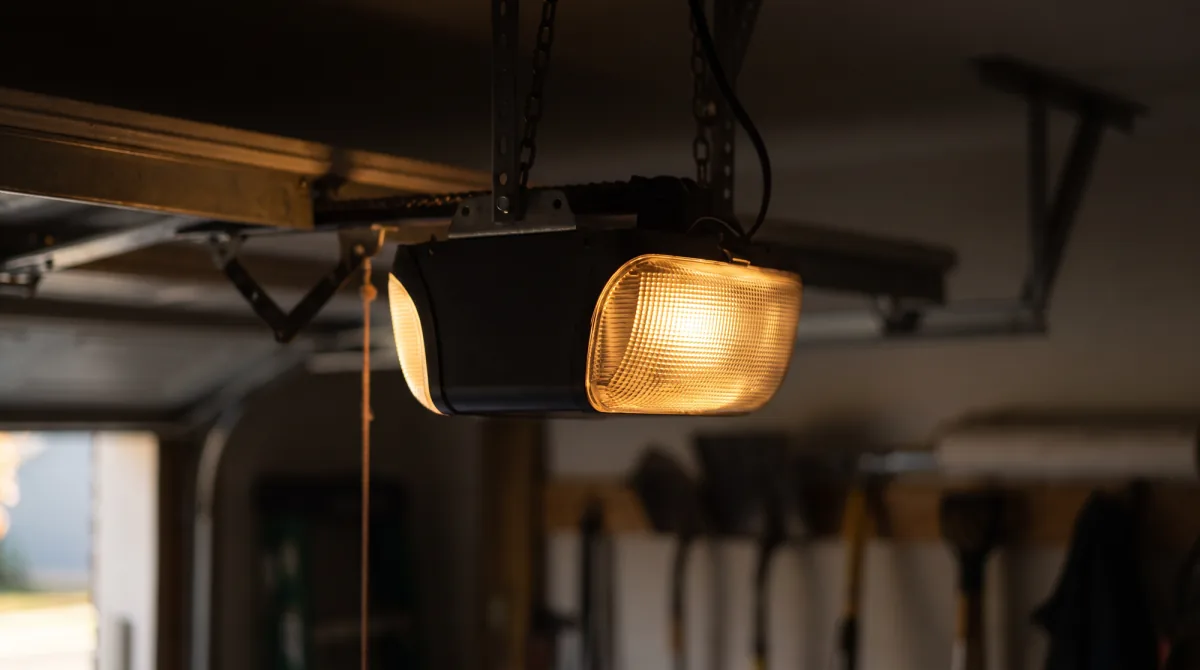
- Find the learn button on the opener’s motor unit, usually near the antenna wire and often under a light cover.
- Press and release the learn button. An indicator light will turn on for about 30 seconds.
- Press the remote button you want to program within that window, holding it until the opener lights flash or you hear a click.
- Test the remote by opening and closing the door a couple of times.
The exact process varies by brand and the colour of the learn button matters on some models, so check the label on the motor unit if the generic steps do not work.
The Wall Button Works but the Remote Does Not
This is a useful diagnostic split. If the wall-mounted button operates the door normally but the remote does nothing, the opener and motor are working fine.
That narrows the problem squarely to the remote side of the system: the battery, the programming, or interference. It also means you can keep using the door from the wall button while you sort the remote out, so it is not an emergency.
Run the battery and reprogramming steps above first, since they cover the vast majority of these cases.
What If More Than One Remote Stops Working?
When more than one remote quits at the same time, the pattern itself points to the cause, because several batteries rarely die together.
- All remotes fail but the wall button works: suspect radio interference or the opener’s receiver board, not the remotes themselves.
- All remotes and the wall button fail: the problem is the opener or its power supply, covered in the next section.
- One remote fails while the others work: that single remote’s battery or programming is almost certainly the issue.
A wireless entry keypad counts as another remote for this test. If the keypad opens the door but a handheld remote does not, you have confirmed the opener is healthy and the handheld is the culprit, so that is where to focus.
It is also worth re-checking any remote you reprogrammed recently. On some openers, programming a new remote can clear an older one from memory, so if a second remote stopped working right after you added a new one, simply reprogram them both.
Interference: The Hidden Culprit
If the battery is fresh and the remote is programmed but the range is still poor, radio interference is the likely cause. This one surprises a lot of homeowners.
LED Bulb Interference
Some LED and CFL bulbs emit radio noise on frequencies close to the remote’s, drowning out the signal. If your remote trouble started right after you changed the garage light bulb, that is very likely the cause.
Swap in a different bulb, ideally one rated as garage-door-opener compatible, and test the range again.
Antenna and Nearby Electronics
The opener’s antenna is the short wire hanging from the motor unit, and it needs to hang straight down to receive properly. Make sure it is not coiled, cut, or tucked up against metal.
Other electronics, from routers to nearby commercial equipment, can occasionally interfere as well. If range is poor only at certain times of day, outside interference may be the reason.
When It Is the Opener, Not the Remote
If the wall button also fails, or no remote works even after a battery change and reprogramming, the issue has moved from the remote to the opener itself.
Signs the opener is the problem include no response from any control, the motor humming without moving the door, or erratic behaviour across multiple remotes. Aging openers also start to lose reliability after 10 to 15 years and may lack the safety features of modern units.
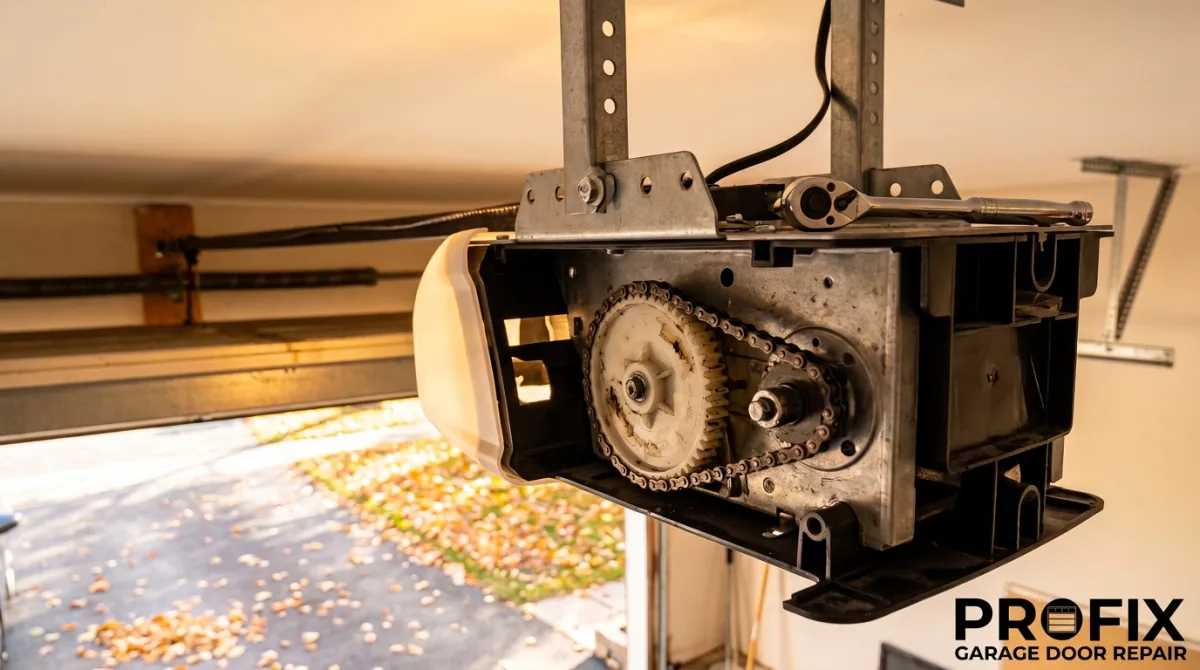
Common opener-side faults behind remote trouble include a failing receiver board, a worn antenna connection, or a logic board reaching the end of its life. These are not parts a homeowner can easily test, so once the remote itself is ruled out, a technician can diagnose the opener quickly and tell you whether a repair or a replacement makes more sense.
At that point it is worth a professional look. Our garage door opener service covers remote programming, opener repair, and upgrades, including homes across Maple. If you are weighing a replacement, our guides on garage door openers explained and belt vs chain vs screw drive openers help you choose.
If your remote still will not work after these steps, or the opener itself is acting up, book a service visit online or call us at (647) 930-7997, and we will diagnose it and get your door responding again.